
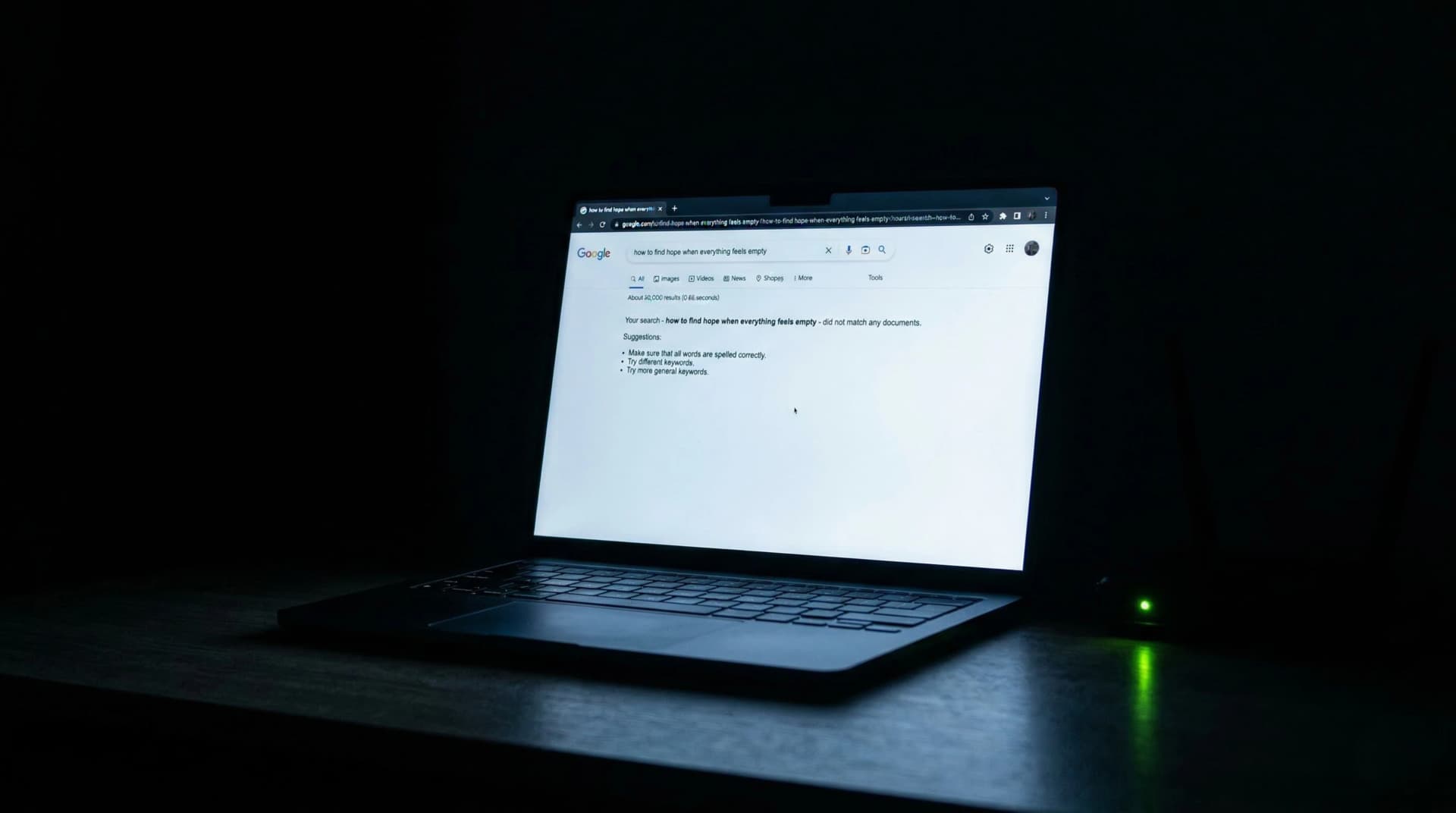

You built a website. Maybe you paid a designer. Maybe you did it yourself on a weekend. Either way - it exists. It has your name, your services, a contact page.
But when someone types your business name into Google, nothing shows up.
Or worse: something shows up, but it's not your website. It's a directory listing from 2019. A social media profile you forgot about. A competitor with a similar name.
You're not imagining it. And you're not alone.
The problem is bigger than you think
Here's a number that should make you uncomfortable: 46% of all Google searches have local intent. That means nearly half of everyone searching on Google right now is looking for a business, a service, or a product near them.
If your website doesn't show up - for your own business name, let alone your service category - those people don't find you. They find someone else. And you never know the search happened.
There's no notification. No bounce in your analytics. No missed call. Just a potential client who searched, didn't find you, and moved on.
The worst part? This often happens to businesses that are great at what they do. Businesses with loyal clients, strong reputations, years of experience. The service is excellent. The digital presence is invisible.
Let's fix that.
Reason 1: Google doesn't know your website exists
This is the most common reason - and the most overlooked.
For your site to appear in Google, it first needs to be crawled (Google discovers it) and then indexed (Google adds it to its database). If neither has happened, your site is invisible. Not poorly ranked. Not buried on page 10. Literally not in Google's system.
How to check: Type site:yourdomain.com into Google. If results appear, you're indexed. If nothing shows up - Google doesn't know you exist.
How to fix it:
- Create a free account at Google Search Console
- Submit your sitemap (usually
yourdomain.com/sitemap.xml) - Request indexing for your homepage
- Wait 48-72 hours and check again
This alone solves the problem for a surprising number of businesses. Google can't rank what it doesn't know about.
Reason 2: Your site is blocking Google on purpose
This sounds absurd, but it happens constantly - especially with websites built on WordPress, Wix, or Squarespace.
Somewhere in your settings, there's a file called robots.txt or a checkbox that says something like "Discourage search engines from indexing this site." If that's active, you've told Google to stay away. And Google listens.
How to check: Visit yourdomain.com/robots.txt in your browser. If you see Disallow: / - that's the problem. It's telling Google not to crawl anything.
How to fix it:
- In WordPress: go to Settings, Reading, uncheck "Discourage search engines"
- In Squarespace: check SEO settings for each page
- In Wix: go to Marketing, SEO, check site visibility
If your site was built by a developer, they may have added a noindex tag during development and forgotten to remove it before launch. This happens more often than anyone in the industry wants to admit.
Reason 3: Your website has no content worth indexing
Google ranks pages, not websites. If your entire site is a single page with your business name, a phone number, and the word "Welcome" - there's nothing for Google to understand or rank.
Google needs context. It needs to understand what you do, where you do it, and who it's for. A page with 50 words gives Google almost nothing to work with.
The benchmark: Most pages that rank on the first page of Google have at least 1,400 words of substantive content. That doesn't mean you need to write a novel - but you need more than a logo and a phone number.
How to fix it:
- Write a dedicated page for each core service you offer
- Include your city/region naturally in titles and text
- Add a real "About" page with your story, experience, and credentials
- Create an FAQ page answering the questions your clients actually ask
Each page is a new opportunity for Google to understand your business. One page = one chance. Ten pages = ten chances.
Reason 4: You have no Google Business Profile
If you're a local business and you don't have a Google Business Profile (formerly Google My Business), you're missing the single most important piece of local search visibility.
When someone searches "dentist near me" or "accountant in Austin," Google shows the Map Pack - those three businesses with the map, reviews, and hours at the top of the results. That Map Pack gets 42% of all clicks on local search results.
No Google Business Profile = no Map Pack = invisible for local searches.
How to fix it:
- Go to business.google.com
- Claim or create your business listing
- Fill out every single field: hours, services, description, categories
- Upload real photos - not stock images
- Ask your top 5 clients to leave a review this week
A complete Google Business Profile with 10+ reviews outperforms most websites for local search. It's free. It takes 30 minutes. And it's the highest-impact action on this entire list.
Reason 5: Your site isn't mobile-friendly
This isn't 2015 advice. It's more critical than ever.
Google uses mobile-first indexing, which means it evaluates the mobile version of your site - not the desktop version - when deciding rankings. If your site looks great on a laptop but breaks on a phone, Google sees the broken version first.
The reality: Over 60% of all Google searches happen on mobile devices. For local searches ("near me"), it's even higher. The person who just got a referral and is Googling your name? They're doing it from their phone.
How to check: Simply open your site on your phone and try to use it. Can you read the text without zooming? Can you tap the phone number? Does the menu work?
How to fix it:
- If your site is more than 3 years old, it likely needs a redesign for mobile
- Test load speed on PageSpeed Insights - aim for a score above 70
- Make sure tap targets (buttons, links) are at least 48px
- Ensure text is readable without horizontal scrolling
Reason 6: Your site loads too slowly
Speed isn't a bonus. It's a ranking factor.
Google has confirmed that page speed directly impacts rankings, especially on mobile. And the math is brutal: 53% of mobile users leave a page that takes more than 3 seconds to load. Not 10 seconds. Three.
If your site takes 6 seconds to load - which is common for unoptimized sites with large images and cheap hosting - more than half your visitors are gone before they see anything.
How to check: Run your site through PageSpeed Insights. Look at the "Performance" score. Below 50 is a problem. Below 30 is an emergency.
Common culprits:
- Uncompressed images (a 4MB hero image should be under 200KB)
- Cheap shared hosting that serves pages slowly
- Too many plugins or scripts loading before the content
- No caching configured
Quick wins: Compress all images to WebP format, enable browser caching, and switch to a hosting provider that offers CDN (content delivery network). These three changes alone can cut load time in half.
Reason 7: You're competing for the wrong keywords
Here's a painful truth: you might be invisible not because your site is broken, but because you're trying to rank for keywords you'll never win.
If you're a solo accountant in Denver trying to rank for "accounting services," you're competing against H&R Block, Deloitte, and every accounting firm with a 20-year-old domain. You won't win. Not because your service is worse - because their domain authority is insurmountable.
The fix is specificity:
Instead of "accounting services," target "small business tax accountant Denver." Instead of "web design," target "website design for dental practices." Instead of "lawyer," target "divorce attorney free consultation Miami."
These long-tail keywords have lower search volume individually, but they have three massive advantages: lower competition, higher conversion intent, and local relevance. 91.8% of all search queries are long-tail keywords. That's where small businesses win.
Your job isn't to rank for everything. It's to rank for the exact thing your ideal client would search when they need you.
Reason 8: No one is linking to your site
Backlinks - other websites linking to yours - are one of Google's top ranking signals. They're essentially votes of confidence. When a reputable site links to your page, Google interprets it as "this content is worth showing to people."
If your site has zero backlinks, Google has no external signal that your site matters. It's like having a business card that no one has ever passed to anyone.
Realistic backlink strategies for small businesses:
- Get listed in your local Chamber of Commerce directory
- Submit to industry-specific directories (not random link farms)
- Write a guest post for a local news site or industry blog
- Ask partners and suppliers to add your link to their "partners" page
- Create a useful resource (guide, calculator, checklist) that people naturally share
You don't need 1,000 backlinks. For local search, even 10-20 relevant backlinks from local or industry sources can make a significant difference.
Reason 9: Your website has no structure Google can read
Google isn't a human. It doesn't "look" at your site. It reads code. And if your code doesn't tell Google what the page is about, Google guesses - often wrong.
Technical basics that matter:
- Title tags: Every page needs a unique title tag that includes what the page is about + your location. "Home" is not a title tag.
- Meta descriptions: The snippet that shows in search results. If you don't write one, Google writes it for you - usually poorly.
- Header tags (H1, H2, H3): These tell Google the hierarchy of your content. Use one H1 per page with your primary keyword.
- Schema markup: Structured data that tells Google exactly what kind of business you are, your hours, your location, your reviews. Most small business sites don't have this. Adding it gives you an immediate advantage.
- Alt text on images: Every image needs a description. Google can't "see" images - it reads the alt text.
None of this is visible to your site visitors. But all of it is visible to Google. Think of it as the plumbing behind the walls - nobody sees it, but without it, nothing works.
The real issue behind all 9 reasons
If you've read this far, you've probably identified at least 2-3 of these problems on your own site. Maybe more.
But here's the pattern: most business owners don't know these problems exist until someone tells them. Your designer didn't mention robots.txt. Your hosting provider didn't flag the speed issue. No one told you about schema markup.
The result is a website that feels finished - because it looks finished - but is functionally invisible to Google. It's like having a storefront with the lights off and the sign facing the wall. From inside, everything looks fine. From outside, no one knows you're there.
And the cost isn't theoretical. Every day your site doesn't show up, someone searches for what you offer, doesn't find you, and hires your competitor instead.
What to do right now
If you want to fix this yourself, here's the priority order:
- Check indexing -
site:yourdomain.comin Google - Claim your Google Business Profile - the highest-impact free action
- Run PageSpeed Insights - know your speed score
- Check mobile experience - use your phone, honestly
- Review your title tags - are they real descriptions or just "Home"?
These five checks take about 20 minutes. They'll tell you whether your issues are structural (reasons 1-2), content-based (reasons 3, 7), or technical (reasons 5, 6, 8, 9).
Or let someone check for you
The Infuser Digital Credibility Census runs through all of this - and more. You answer 13 questions about your business. In return, you get a score from 0 to 100 that tells you exactly where your digital presence stands: what's working, what's broken, and what it's costing you every month.
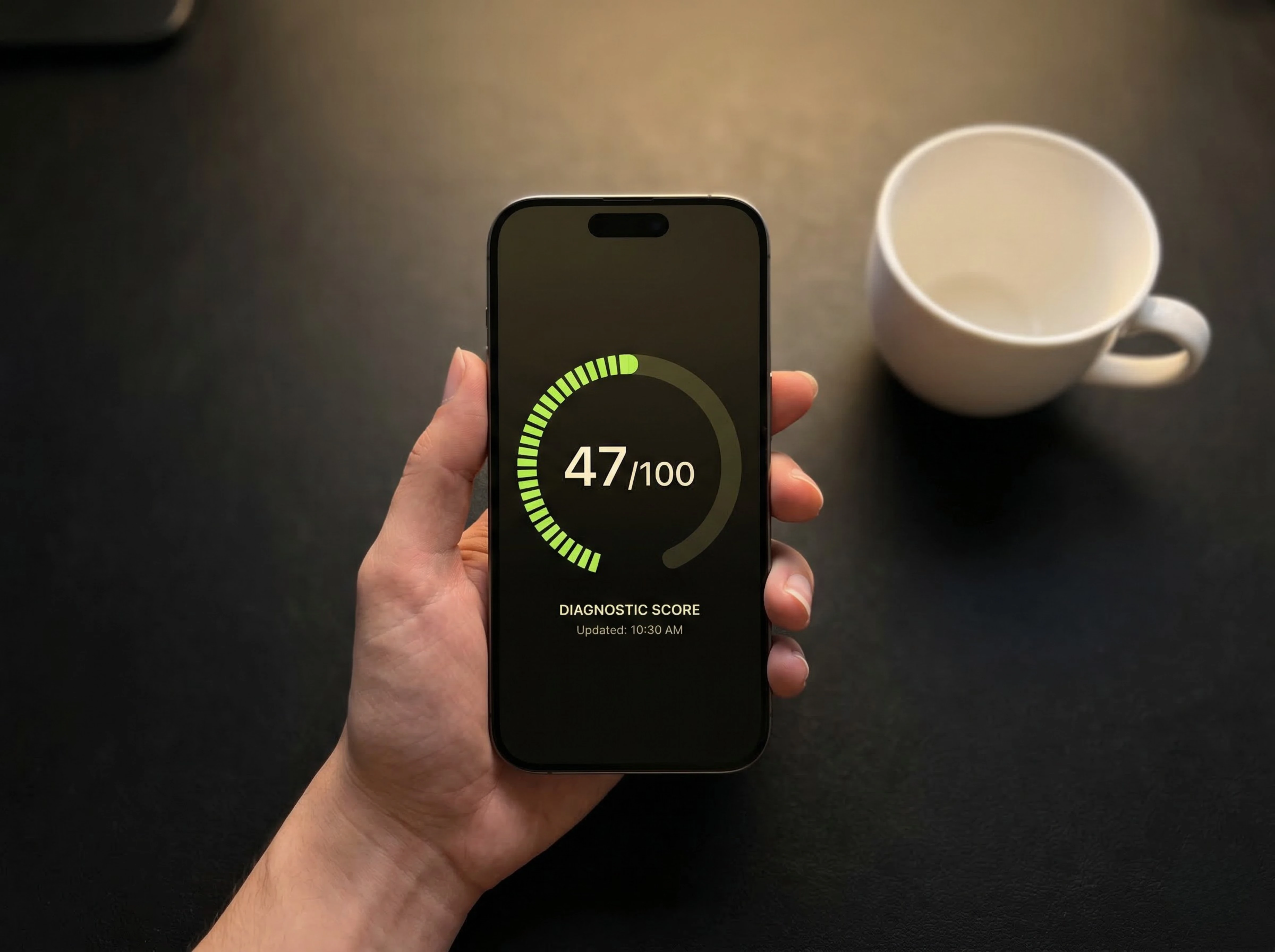
No sales pitch. No commitment. Just clarity.
Want to know exactly how this is affecting your business?
The Digital Credibility Census calculates your estimated monthly loss using your data. 5 minutes, free.